English
English
How to use WhatsApp Business quick replies properly, where they stop helping, and when repeated questions are better answered by AI than retyped by hand.
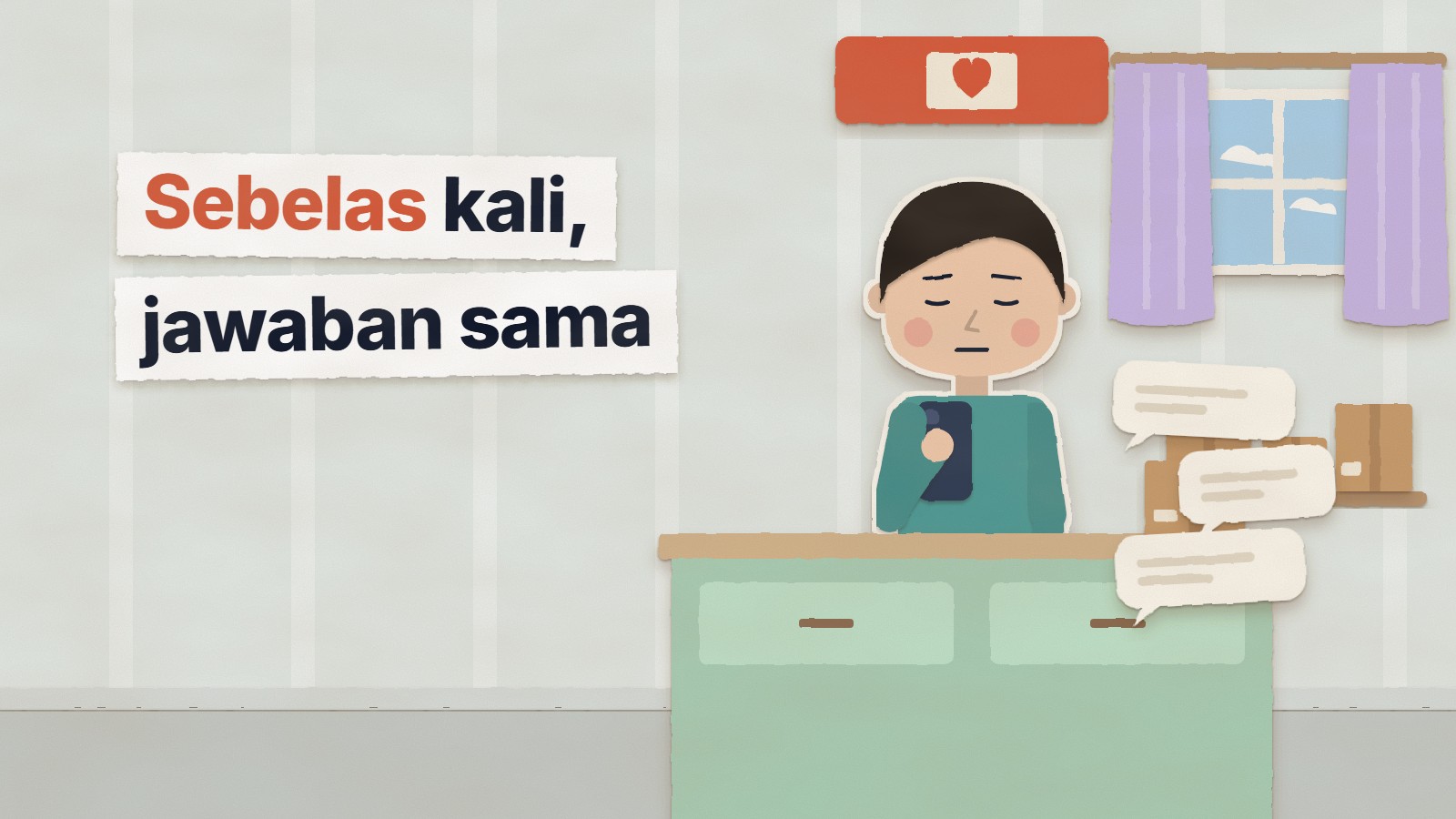
"What time do you open, Kak?"
Rina types the answer. Ten minutes later: "Open at what time?" An hour after that: "Are you open on Sundays?" By three in the afternoon she has typed or pasted the same opening-hours line eleven times, and once she wrote "7:00" instead of "17:00".
WhatsApp Business quick replies exist for exactly this moment, and we like the feature. Our view: quick replies are the most honest tool in the WhatsApp Business app, because they don't pretend to be smart. They just save your fingers. But because they only save fingers, they have clear limits. This post shows how to use them properly, and where repeated questions are better handled by AI.
The path is roughly this (menu names can differ slightly between versions, per October 2026):
/hours./ and pick the reply.Three habits that make quick replies really pay off:
/hours, /deposit, /address.Ready-made wording for greetings and after-hours notes is in after-hours message examples.
To be fair: quick replies aren't wrong, they just have three limits.
/, choose, and press send. A customer who writes at 11 p.m. gets the answer the next morning.If you get a dozen chats a day and you answer them yourself, none of this is a problem. Carry on, and don't switch because you feel you should.
A team sharing one number usually needs one thing: everyone answers in the same words. In KIRA.id that's saved answers. Type / in the reply box, pick the sentence, check it, send.
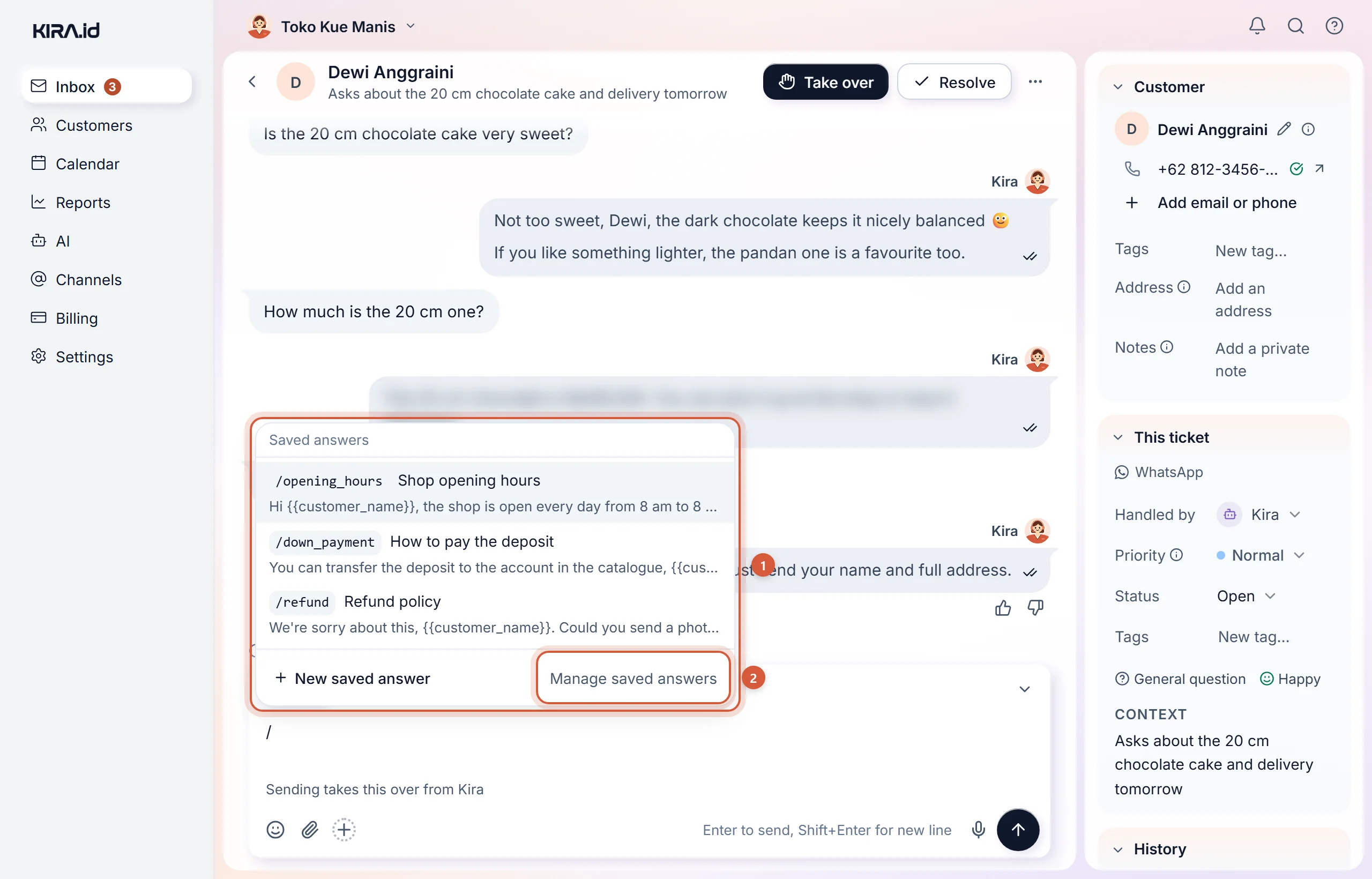
A few small things we're fond of:
How to create them is in the guide Saved answers. One honest note: saved answers are sent by a person too. On a ticket, when you send, the reply box says that sending takes the ticket over from the AI.
The signs are simple: the same question appears dozens of times, and some of them arrive when nobody is holding the phone. At that point quick replies have given everything they can.
KIRA.id's AI answers from the knowledge you write: opening hours, prices, how to order, policies. Quick replies and the AI use the same raw material, sentences you decided yourself. The difference is that the AI reads the question and answers without waiting for you.
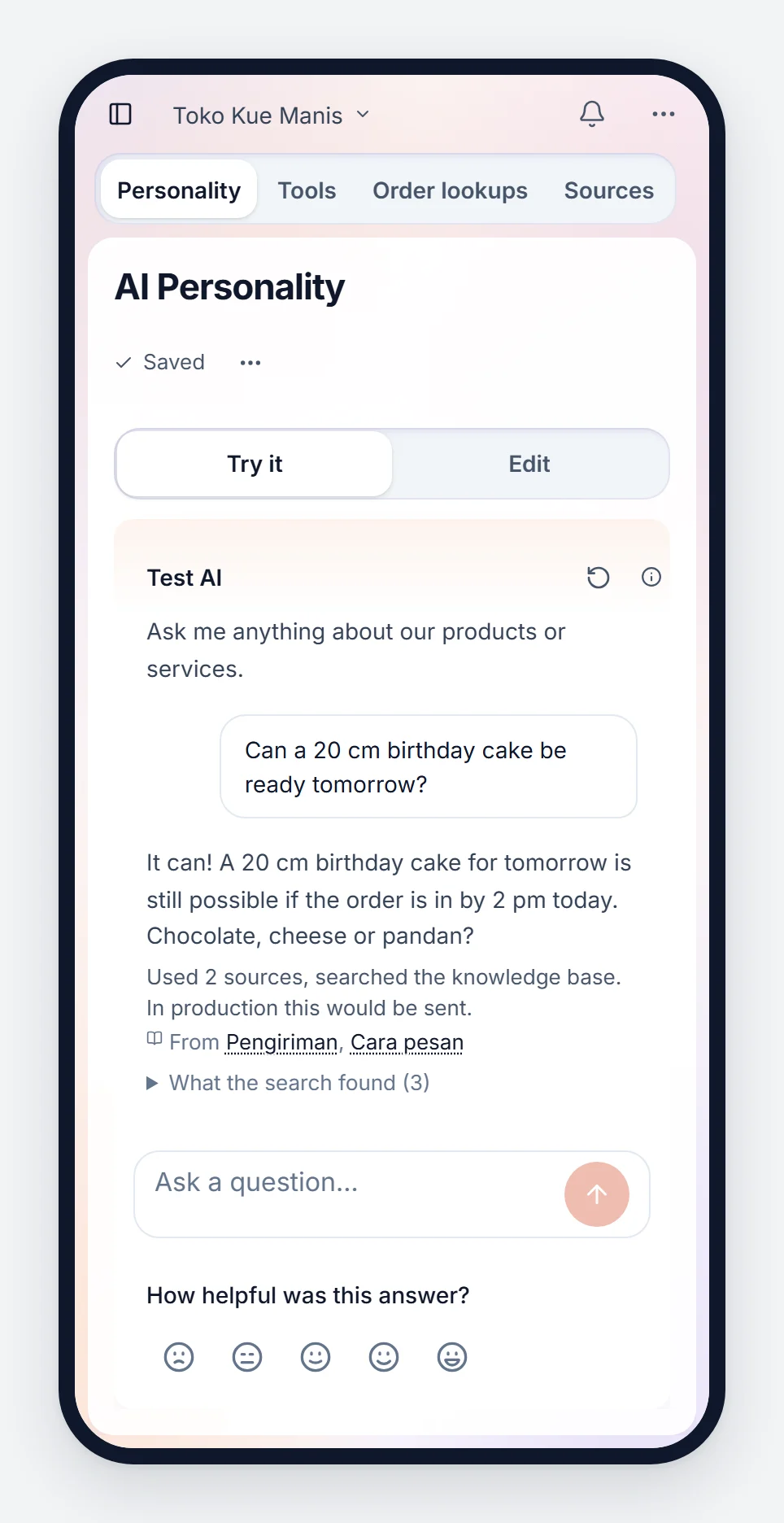
The picture is the Test AI chat with sample data. Under the answer, KIRA.id says which sources the answer came from, so you can check it before a customer ever sees it. If a customer asks for a person, or the AI simply doesn't know, the AI passes the conversation to your team right away, and your saved answers are still there to use.
| WhatsApp Business quick replies | KIRA.id saved answers | KIRA.id AI answers | |
|---|---|---|---|
| Who sends | A person | A person | The AI, from your knowledge |
| Sent when nobody holds the phone | No | No | Yes |
| Reads the question | No | No | Yes |
| Shared with the team | No, tied to one app account | Yes, one list | Yes, one knowledge source |
| Fits | One or two people | A team that needs uniform wording | Repeated questions, any hour |
Invented examples:
Open Settings, Business tools, then Quick replies. Write the text, give it a shortcut, save. In a chat, type / to pick it.
No. An auto reply sends itself, like a greeting message. A quick reply isn't automatic: a person picks and sends it.
In the WhatsApp Business app, quick replies are tied to that app account. For one list every teammate uses, KIRA.id has saved answers, managed by Owners and Admins.
When the same question appears dozens of times and some of them come outside working hours. Before that, quick replies are enough.
Your quick reply list is already half of an AI's knowledge. See adding knowledge for how to bring it in, or contact us. If you're curious how a shop with several admins runs one number, read WhatsApp multi-admin on one number.