English
English
Insurance claim questions arrive at midnight, from the ER. How an agent answers claim rules from policy documents and passes what matters to a person.
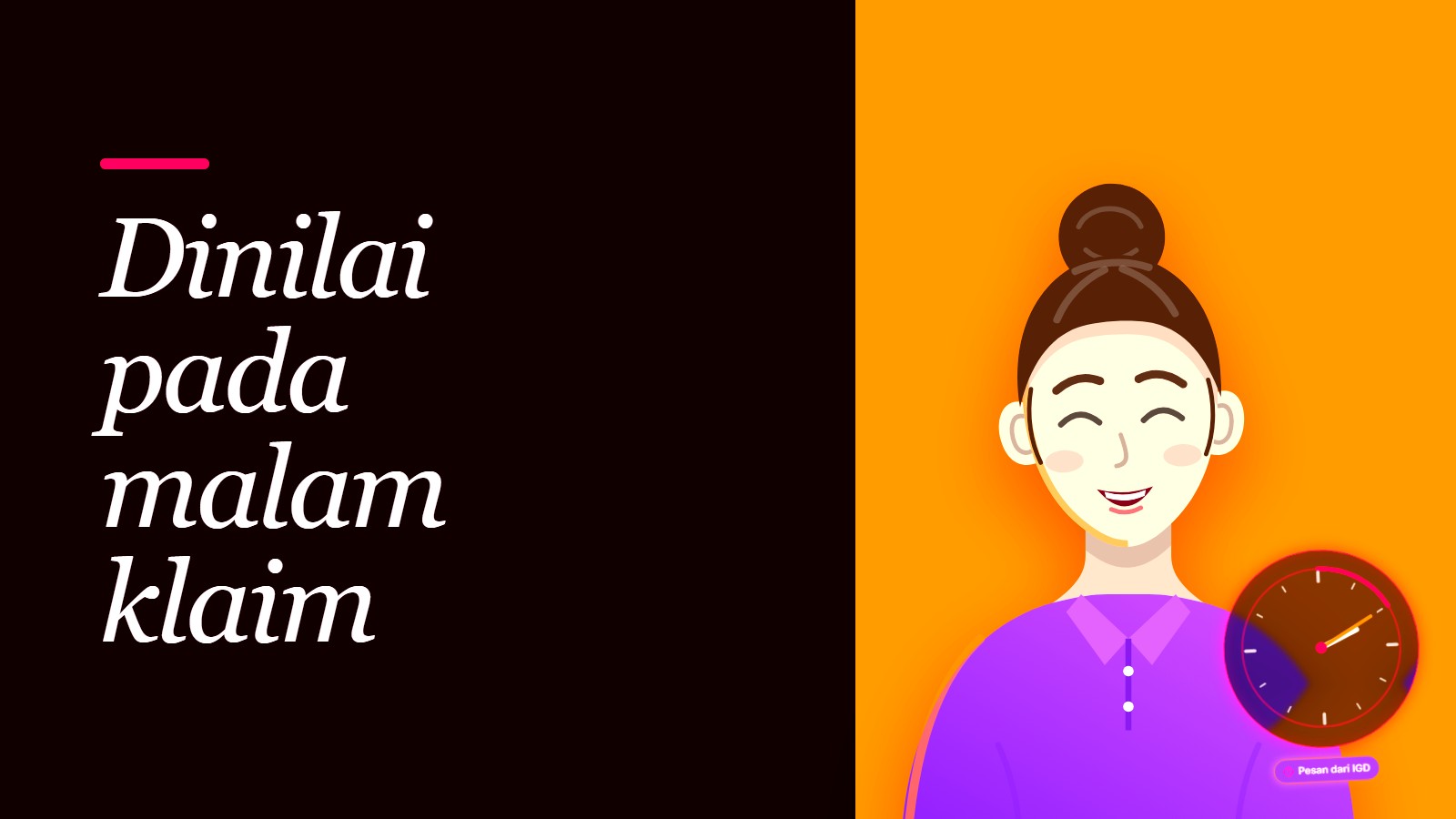
2:10 am. A message lands on an insurance agent's WhatsApp: "Sir, I'm in the ER, my daughter has a high fever and they want to admit her. Can I use the insurance? What do I need to bring?" The agent is asleep. His phone is on silent, because tomorrow morning he's pitching three new prospects.
He reads it at 6:30, and it feels like arriving late to the hospital himself.
We believe one thing about this business: an insurance agent is judged on the night of the claim, not on the day of the sale. Clients don't remember the polished presentation. They remember who answered while they stood panicking in a hospital corridor. And most of what they needed that night was already written down: which documents to bring, who to call, which hospitals are in network. Answers like that shouldn't wait for the agent to wake up.
Most insurance agents serve clients from their personal WhatsApp. One person, hundreds of policyholders, every question on one phone. It feels close and personal, right up until there are three claims in a week and you're out of town.
The insurer's own app and official customer service matter a great deal: that's where claims are filed and decided. But plenty of clients still message their agent first, because that's the person they know. A menu bot that can only do "press 2 for claims" doesn't help someone typing with shaking hands either.
And there's a bigger risk than being slow: being wrong. A rushed "Yes, it's definitely covered" at 2 am can turn into real trouble when it turns out a waiting period hasn't passed.
Upload the benefit summary, the claims guide, and the list of partner hospitals as a PDF or Google Doc under Sources. The AI answers from what those documents say, and you can test it yourself in the Ask the AI panel before any client asks.
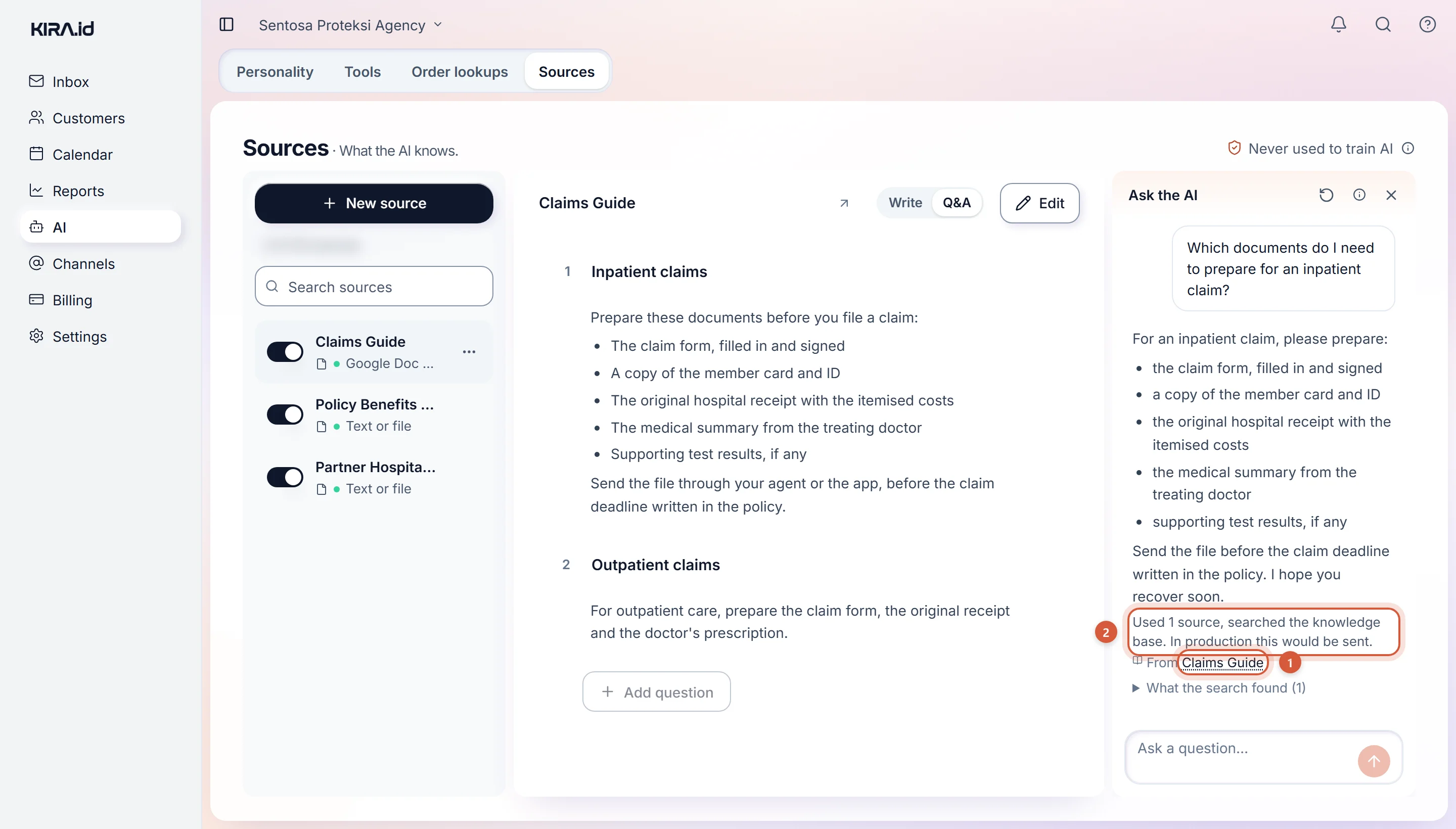
The picture shows a made-up insurance agency answering an inpatient claim checklist. Look at the bottom of the answer: it names the document it used, the Claims Guide. For an insurance agent, that means a client reads the claim checklist from the official guide you uploaded, not from someone's memory at 2 am.
What isn't written isn't answered. Before a reply goes out, every number, date, percentage, and phone number in it is checked against your sources. A sentence with an unsupported detail is cut, the AI says it'll confirm that detail first, and the chat is passed to you. How that works is in When the AI can't answer.
"Has my claim from last week been paid?" and "does my policy cover this?" are questions about the client's own account. KIRA.id isn't connected to the insurer's systems, and we don't want the AI guessing. It answers the general part, says you'll check it, and passes the chat to you. The ticket reaches you right away.
Add it to Instructions too: never say a claim is approved, rejected, or definitely covered. That decision belongs to the insurer.
When a client describes something serious, someone hurt for example, the AI answers and the chat moves to your team right away, with no button and no "shall I connect you?". The client is told once that the reply will come in the same chat and, outside working hours, when you open again.
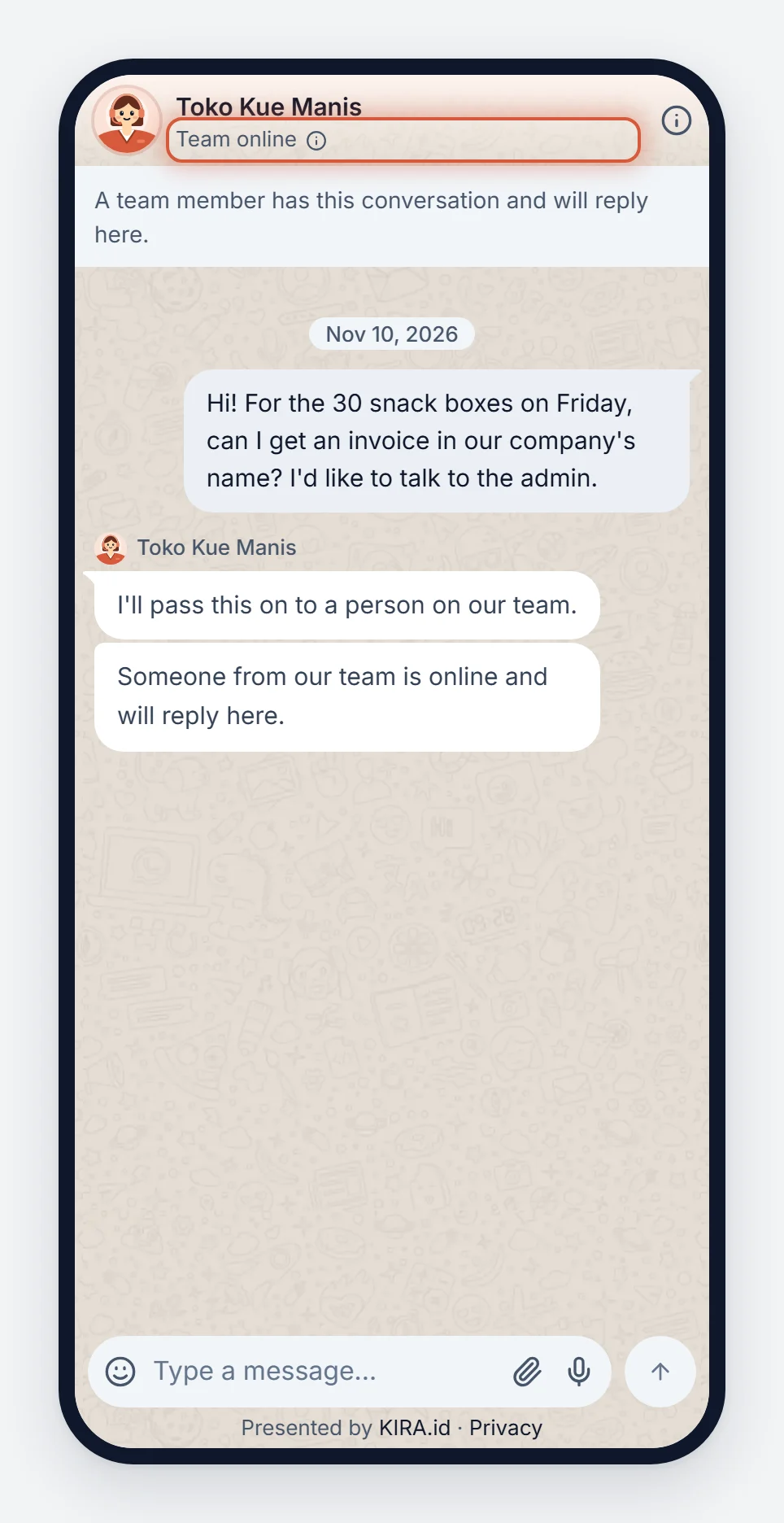
On the ticket you see the whole conversation, the reason for the handoff, and a short summary. No need to ask again "how old is your daughter?", because it's all there. The full rules are in Handoff rules.
Clients send photos of member cards, receipts, sometimes medical summaries. Data like this deserves to be taken seriously.
One honest note: the AI reads text inside photos and PDF documents, but it doesn't judge what a photo shows. A picture of a dented car is stored for you to look at, not for the AI to assess.
| Agent's personal WhatsApp | Number-menu bot | KIRA.id on your number | |
|---|---|---|---|
| A question at 2:10 am | Waits for the agent to wake | Same menu for everyone | Claim rules answered from your documents |
| "What do I bring?" | From memory | Canned text, often outdated | From the claims guide, source named |
| Their own claim status | Agent checks | Can't | AI answers the general part, agent checks |
| Something serious | Depends on the phone being on | Not recognised | Answered, then passed to a person |
| Client data | Mixed into the phone gallery | Depends on the vendor | Stored privately, can be exported and erased |
Yes, for what's written in your documents: requirements, paperwork, the process, partner hospitals. The AI doesn't decide whether a claim is covered and doesn't guess at anything unwritten.
Follow your insurer's and your association's rules. On our side: the AI only answers from the sources you choose, any chat can be taken over at any time, and a client who asks for a person is passed to your team right away, without having to ask twice.
Files are stored privately and never used to train AI. If the client asks for their data to be deleted, you can erase their personal data permanently from their profile.
No. KIRA.id doesn't read policy or claim status from the insurer's systems. Questions about a client's own policy are checked by you.
Upload your claims guide and benefit summary, write three lines of Instructions about what must never be promised, then test the question you dread most at 2 am in Ask the AI. Uploading documents is covered in PDF and Office files. Read also why AI answers must be grounded in your sources, AI-to-human handoff in the inbox, and fintech customer service and data rules. Want help setting it up? Talk to us.